Temporary Email vs Personal Email: Which One Should You Use and When?
Email is one of the most important tools in modern digital life. From signing up for websites and receiving important messages to online shopping and communication — email connects almost everything we do online.
But not all email addresses should be used in the same way.
Many people use their personal email for everything, which often leads to spam, privacy risks, and inbox overload. This is where temporary email becomes a smarter alternative for certain situations.
In this guide, we’ll compare temporary email and personal email, explain their differences, and help you decide when to use each one.
What Is a Personal Email?
A personal email is your permanent email address that you use for long-term communication. It is usually connected to your identity and is used for important activities.
Common uses include:
- Communication with family and friends
- Work or business correspondence
- Banking and financial accounts
- Online shopping receipts
- Social media accounts
- Password recovery
Your personal email is meant to be secure, private, and long-lasting.
What Is a Temporary Email?
A temporary email (also called disposable email) is a short-term email address that you can use for quick or one-time purposes. It does not require registration and is not linked to your identity.
Temporary emails are commonly used for:
- One-time signups
- Free trials
- Testing websites or apps
- Downloading resources
- Avoiding spam
These email addresses expire automatically or can be discarded after use.
Key Differences Between Temporary and Personal Email
1. Lifespan
Personal email is permanent and meant for long-term use.
Temporary email exists only for a short time and can be deleted anytime.
2. Privacy Level
Personal email is linked to your identity.
Temporary email keeps you anonymous and protects personal data.
3. Spam Exposure
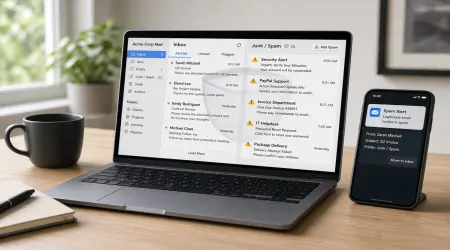
Personal email often receives marketing and promotional messages.
Temporary email prevents spam from reaching your main inbox.
4. Security Risk
If your personal email is exposed, it can affect many accounts.
Temporary email reduces risk because it is not tied to sensitive services.
5. Purpose
Personal email is for important communication.
Temporary email is for quick, disposable tasks.
When You Should Use Your Personal Email
Your permanent email should be reserved for trusted and essential services.
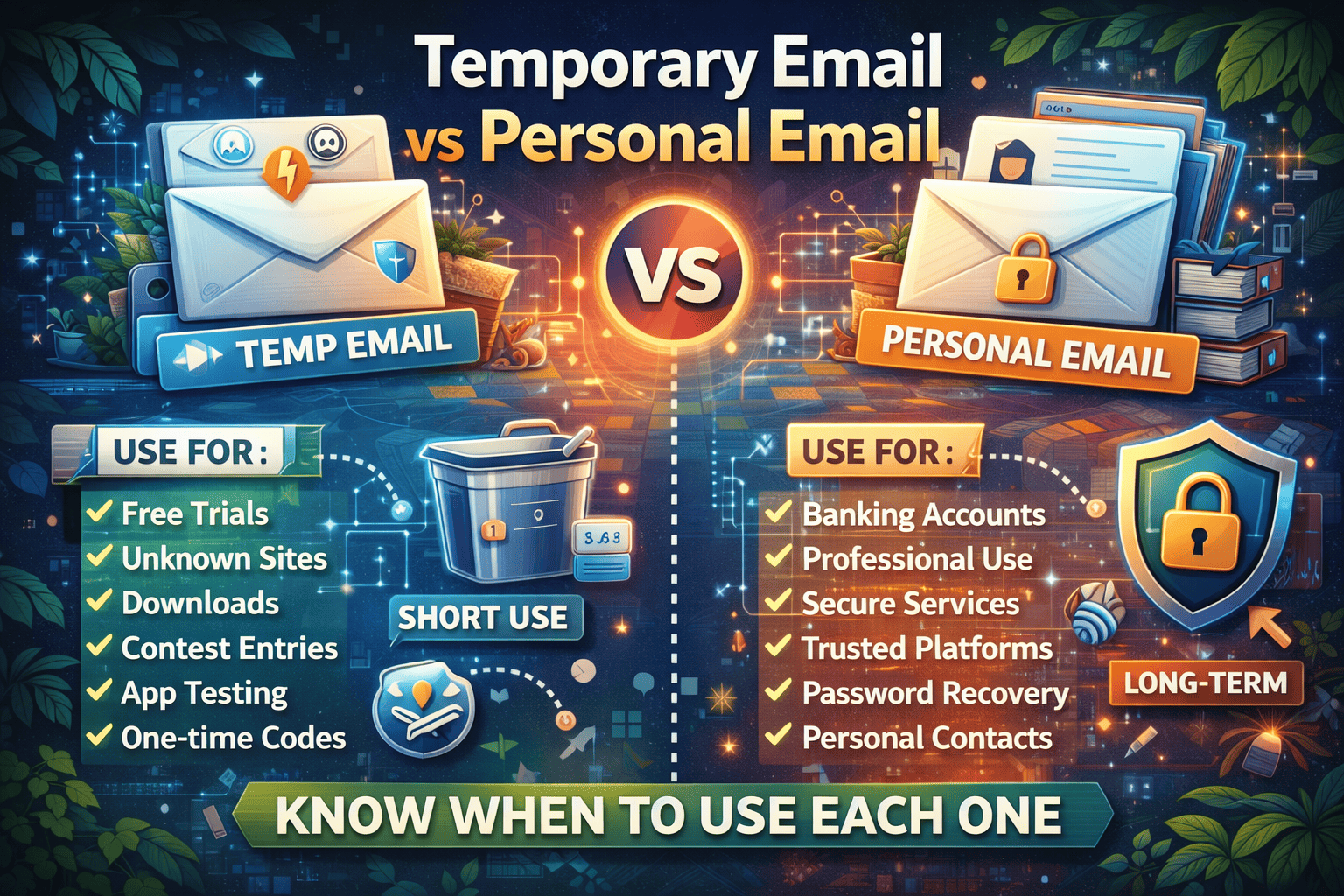
Use your personal email for:
✔ Banking and financial accounts
✔ Work and professional communication
✔ Government services
✔ Long-term subscriptions
✔ Trusted online platforms
✔ Personal contacts
These activities require reliability and continuous access.
When You Should Use a Temporary Email
Temporary email is best for situations where long-term communication is not needed or where privacy is uncertain.
Use temporary email for:
✔ Free trial registrations
✔ Unknown or untrusted websites
✔ Downloading resources or files
✔ Online contests and giveaways
✔ Testing apps or services
✔ One-time verification
✔ Avoiding marketing emails
If you don’t expect ongoing communication, disposable email is the safer choice.
Benefits of Using Personal Email Correctly
When used properly, a personal email provides:
✔ Reliable communication
✔ Secure account recovery
✔ Long-term message storage
✔ Trusted identity verification
However, overusing it everywhere increases risk.
Benefits of Using Temporary Email Strategically
Temporary email offers powerful privacy protection:
✔ Prevents spam and unwanted promotions
✔ Protects your identity online
✔ Reduces tracking and data profiling
✔ Keeps your main inbox clean
✔ Lowers risk of data exposure
It acts as a protective barrier between you and unknown platforms.
Common Mistake: Using Personal Email for Everything
Many users share their main email on every website they visit. Over time, this leads to:
- Inbox overload
- Marketing spam
- Data tracking
- Security risks
- Increased phishing attempts
Separating email usage is a smarter approach.
Best Practice: Use Both Together
The safest strategy is not choosing one — but using both wisely.
Smart email management looks like this:
✔ Personal email → trusted, long-term services
✔ Temporary email → short-term, unknown, or risky interactions
This balance keeps your digital life organized and secure.
Security Perspective: Why Separation Matters
Your email is the gateway to many online accounts. If compromised, attackers may gain access to sensitive information.
Using temporary email for non-essential activities reduces exposure and protects your primary identity.
Think of it like this:
Personal email = your permanent home address
Temporary email = a visitor pass
You wouldn’t share your home address with everyone — and the same rule applies online.
Which One Should You Use More Often?
You should use temporary email more frequently for everyday online interactions, especially when privacy is uncertain.
Reserve personal email only for important and trusted communication.
This approach minimizes risk while maintaining convenience.
Final Thoughts
Both temporary and personal email serve important but different purposes. Personal email is essential for long-term communication and trusted services, while temporary email provides privacy, protection, and control in uncertain situations.
Using the right type of email at the right time helps you avoid spam, protect your data, and manage your digital identity more effectively.
In today’s data-driven world, smart email usage is one of the simplest ways to stay secure online.