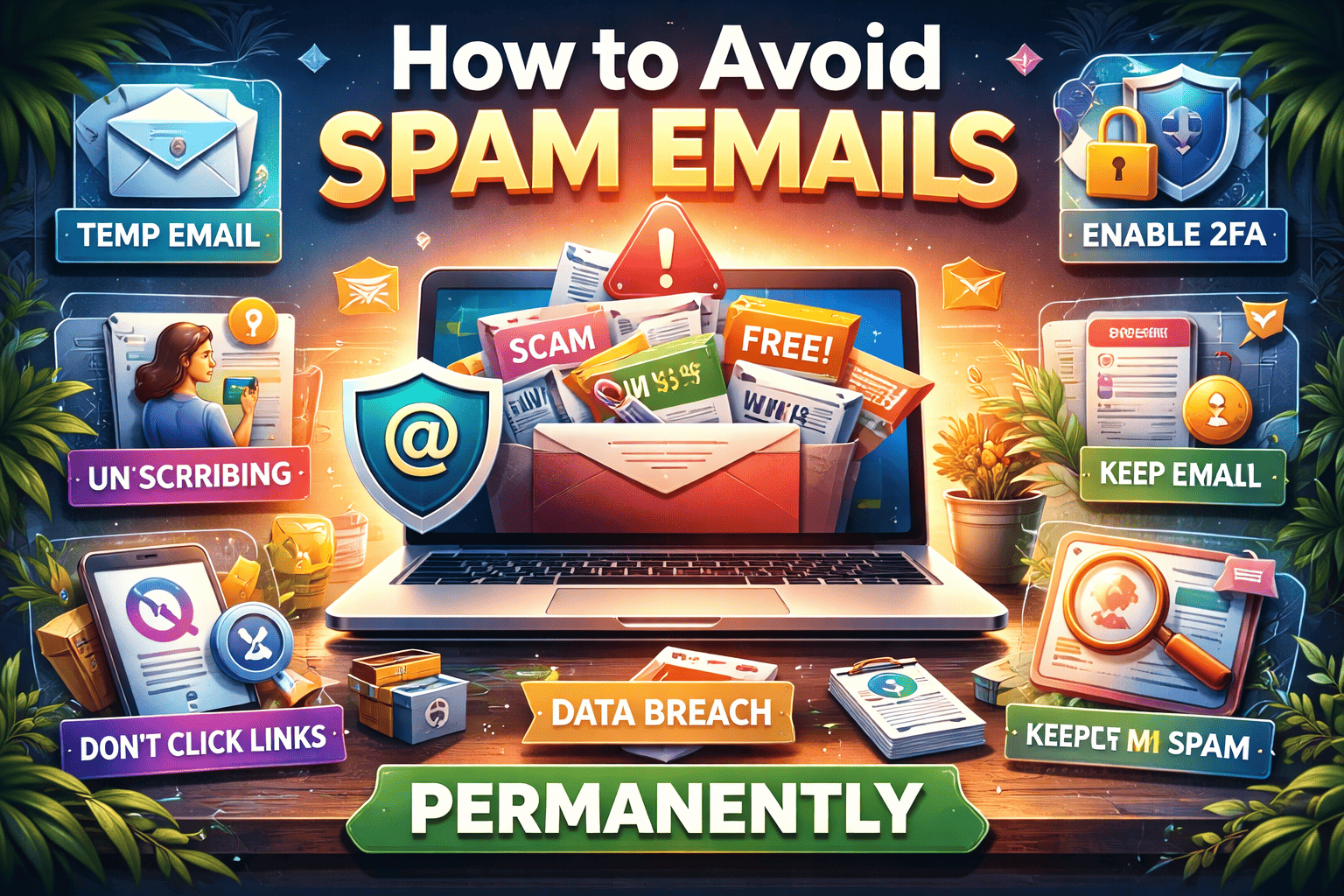
How to Avoid Spam Emails Permanently (Complete Guide)
Spam emails are one of the biggest frustrations of modern internet users. From promotional offers and fake prizes to phishing scams and suspicious links, unwanted emails can quickly fill your inbox and put your privacy at risk.
The good news is that spam can be controlled — and in many cases, almost completely eliminated — if you follow the right strategies. This complete guide will show you how spam emails work and how you can avoid them permanently.
What Are Spam Emails?
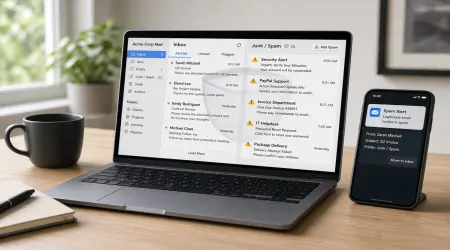
Spam emails are unwanted or unsolicited messages sent in bulk to many recipients. These emails are usually sent for marketing, advertising, or fraudulent purposes.
Common types of spam include:
- Promotional emails you never subscribed to
- Fake lottery or prize notifications
- Phishing attempts asking for personal information
- Suspicious links or attachments
- Scam offers or financial fraud messages
Spam is not just annoying — it can also be dangerous.
Why You Receive Spam Emails
Understanding the cause is the first step to stopping spam permanently.
1. Signing Up on Too Many Websites
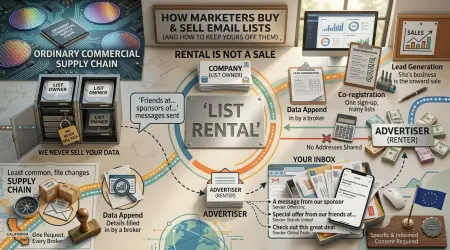
Many websites collect emails and share or sell them to marketing companies.
2. Data Breaches
If a website storing your email gets hacked, your address may be leaked publicly.
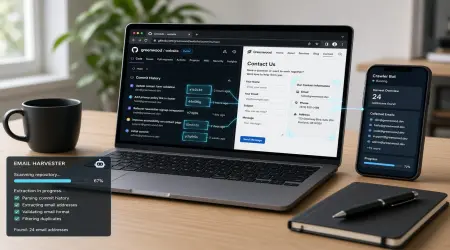
3. Email Harvesting Bots
Some automated programs scan websites and social media to collect visible email addresses.
4. Weak Privacy Practices
Using the same email everywhere makes it easier for marketers to target you.
5. Subscribing to Promotions
Many discount offers automatically add you to mailing lists.
How to Avoid Spam Emails Permanently
Follow these proven methods to drastically reduce spam.
1. Use a Temporary Email for Signups
One of the most effective ways to prevent spam is to avoid sharing your primary email unnecessarily.
Use a temporary email for:
- Free trials
- Downloads
- Unknown websites
- One-time registrations
This keeps spam away from your main inbox completely.
2. Never Share Your Email Publicly
Avoid posting your email address on:
- Social media profiles
- Public forums
- Website comment sections
Spammers use automated tools to collect publicly visible email addresses.
3. Use Email Filters and Spam Protection
Most email services provide built-in spam filters. Activate and customize them to automatically block unwanted messages.
You can create rules to:
- Send suspicious emails to spam
- Block certain keywords
- Filter unknown senders
This keeps your inbox organized automatically.
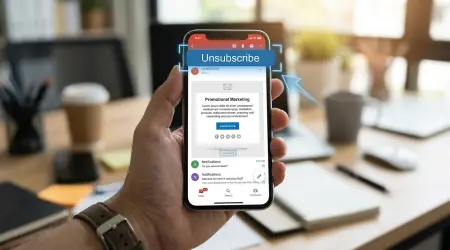
4. Unsubscribe Carefully
If you receive legitimate promotional emails, use the unsubscribe option. However, only do this for trusted companies.
Never click unsubscribe in suspicious emails — it may confirm your email is active and increase spam.
5. Avoid Clicking Suspicious Links
Many spam emails contain tracking links. Clicking them tells spammers your email is valid.
Never click:
- Unknown links
- Fake offers
- Urgent warning messages
Delete suspicious emails immediately.
6. Use Multiple Email Addresses
Create separate emails for different purposes:
- Personal communication
- Online shopping
- Work or business
- Website signups
This prevents one compromised email from affecting everything.
7. Enable Two-Factor Authentication
Two-factor authentication protects your account from being accessed by attackers. If your account is hacked, spammers can send messages from your email.
Extra security prevents misuse.
8. Keep Your Email Private During Online Purchases
Many online stores send frequent promotional emails. Use a secondary or temporary email when shopping on unfamiliar websites.
9. Report Spam Instead of Ignoring It
Most email platforms have a “Report Spam” button. Use it regularly.
Reporting spam helps email systems learn and block similar messages in the future.
10. Check If Your Email Was Exposed in a Data Breach
If your email appears in a breach, expect increased spam. In that case:
- Change passwords immediately
- Enable security features
- Consider using a new primary email
Advanced Tips for Maximum Protection
If you want near-total spam protection, combine these strategies:
✔ Use temporary email for signups
✔ Keep primary email private
✔ Enable strong spam filters
✔ Separate personal and public communication
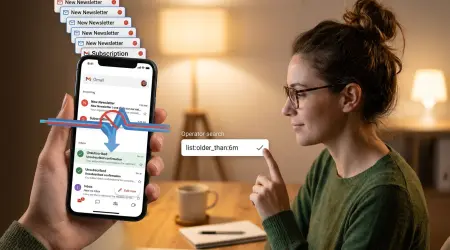
✔ Regularly clean your inbox
Consistency is the key to permanent results.
Signs an Email Is Spam or Dangerous
Watch for these warning signs:
- Urgent requests for personal information
- Poor grammar or strange formatting
- Unknown sender addresses
- Unexpected attachments
- Offers that seem too good to be true
When in doubt, delete.
Benefits of Eliminating Spam Emails
Reducing spam improves more than just inbox organization.
You get:
✔ Better online privacy
✔ Reduced phishing risk
✔ Less digital stress
✔ Faster email management
✔ Stronger data protection
A clean inbox also improves productivity.
Final Thoughts
Spam emails are not unavoidable — they are preventable. Most unwanted emails appear because of oversharing, weak privacy habits, or careless signups.
By using temporary emails, protecting your primary address, and applying smart filtering strategies, you can significantly reduce spam and keep your digital life secure.
If you want long-term online safety, controlling spam is one of the most important steps you can take.