Beginner’s Guide to Online Privacy Protection in 2025
In 2025, protecting your online privacy is more important than ever. Every day, websites, apps, advertisers, and even cybercriminals collect personal data from internet users. From your browsing habits to your email address, location, and online purchases — almost everything can be tracked, stored, and analyzed.
The problem is that most people don’t even realize how much information they share online.
This beginner-friendly guide will help you understand online privacy risks and show you simple, practical steps to protect your personal data in today’s digital world.
What Is Online Privacy?
Online privacy refers to your ability to control what personal information you share on the internet and who can access it. This includes:
- Your name and contact details
- Email address
- Passwords
- Browsing history
- Location data
- Financial information
- Social media activity
When privacy is weak, your data can be tracked, sold, or misused without your knowledge.
Why Online Privacy Matters More in 2025
Technology is evolving rapidly, and so are data collection methods. Today, companies use advanced tracking tools to analyze user behavior and predict preferences.
Without proper privacy protection, you may face:
- Identity theft
- Targeted scams
- Data breaches
- Excessive advertising
- Account hacking
- Personal data selling
Protecting your privacy is no longer optional — it’s essential for digital safety.
How Your Data Gets Collected Online
Understanding data collection is the first step toward protection.
1. Website Tracking
Many websites use tracking technologies to monitor your activity, including pages visited and time spent online.
2. Mobile Apps
Apps often request access to contacts, location, camera, and storage — even when not necessary.
3. Email Signups
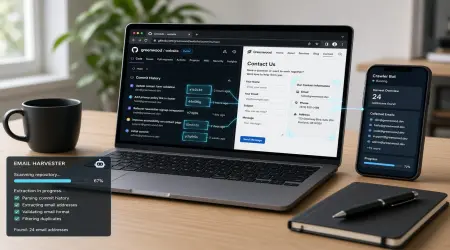
When you share your email, it may be added to marketing lists or shared with third parties.
4. Social Media Sharing
Personal posts, photos, and check-ins reveal more information than you think.
5. Data Breaches
Companies storing user data can be hacked, exposing millions of records.
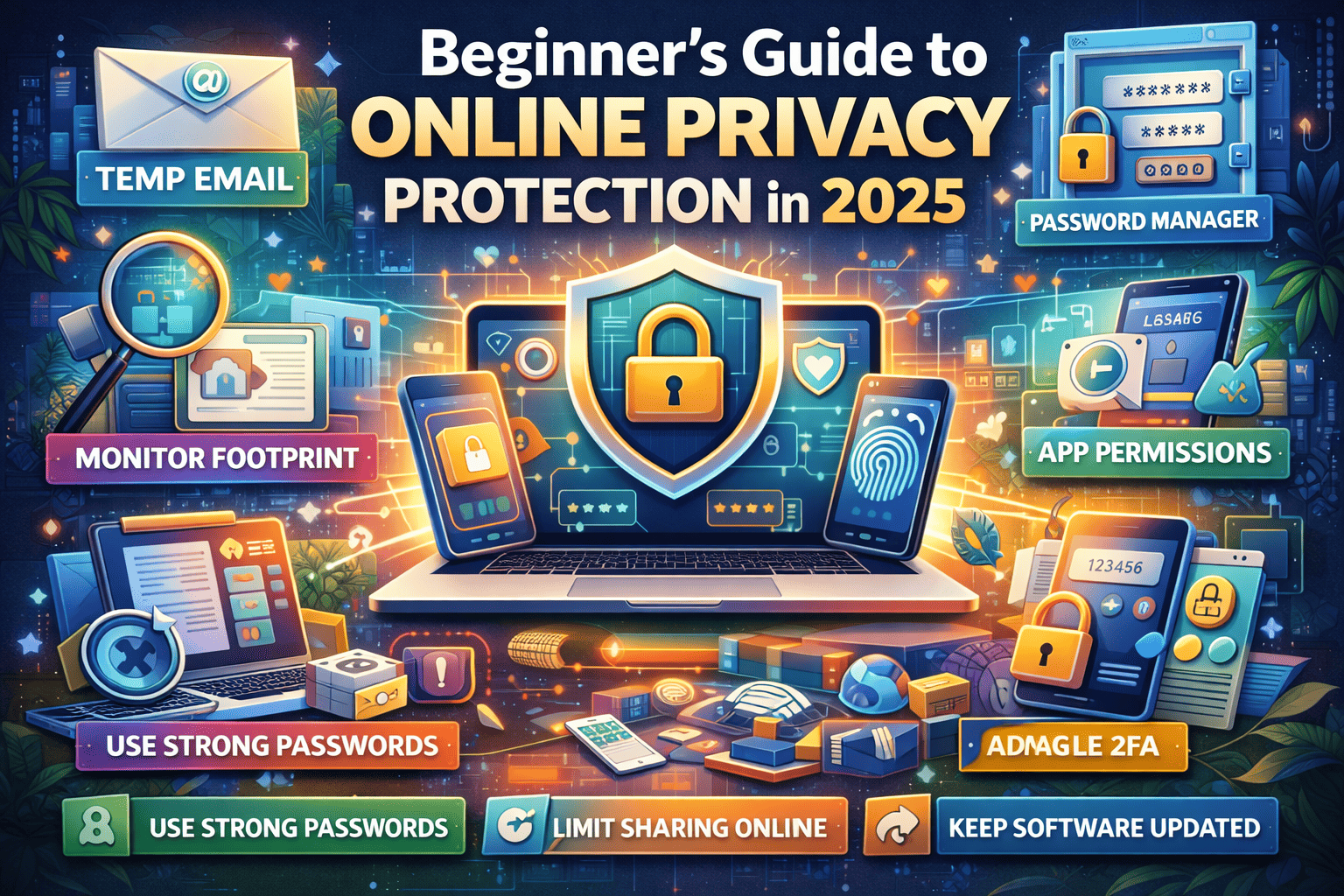
Essential Steps to Protect Your Online Privacy
These simple actions can dramatically improve your digital security.
1. Use Strong and Unique Passwords
Weak passwords are the easiest way for hackers to access accounts.
Best practices:
- Use at least 12 characters
- Combine letters, numbers, and symbols
- Never reuse passwords across accounts
Consider using a password manager to stay organized.
2. Enable Two-Factor Authentication (2FA)
Two-factor authentication adds an extra layer of security. Even if someone knows your password, they cannot access your account without verification.
Always enable 2FA for:
- Email accounts
- Banking apps
- Social media
- Cloud storage
3. Use Temporary Emails for Signups
Avoid sharing your primary email unnecessarily.
Temporary email helps you:
- Prevent spam
- Reduce tracking
- Protect identity
- Avoid marketing lists
Use disposable emails for one-time registrations and unknown websites.
4. Limit What You Share Online
Think before posting personal information.
Avoid sharing:
- Home address
- Phone number
- Travel plans
- Financial details
- Private documents
Less sharing means less risk.
5. Check App Permissions Regularly
Many apps request unnecessary access.
Review and disable permissions for:
- Location tracking
- Microphone
- Camera
- Contacts
Only allow what is essential.
6. Use Secure Internet Connections
Public WiFi networks are often unsafe. Hackers can intercept data on unsecured connections.
Safety tips:
- Avoid logging into sensitive accounts on public WiFi
- Use secure networks whenever possible
- Turn off automatic WiFi connections
7. Keep Software Updated
Updates fix security vulnerabilities that hackers exploit.
Always update:
- Operating systems
- Browsers
- Apps
- Security software
Ignoring updates leaves your device exposed.
8. Be Careful with Emails and Links
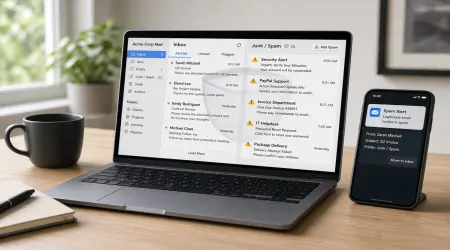
Phishing attacks are increasing every year. These emails look legitimate but try to steal information.
Warning signs:
- Urgent messages
- Suspicious links
- Unknown senders
- Requests for passwords
Never click or download without verification.
9. Adjust Privacy Settings on Online Accounts
Most platforms allow you to control visibility and data sharing.
Review settings regularly to:
- Limit who can see your profile
- Disable tracking features
- Reduce data collection
Default settings often favor data sharing.
10. Monitor Your Digital Footprint
Search your name online occasionally to see what information is publicly visible.
Remove unnecessary accounts and outdated profiles when possible.
Common Online Privacy Mistakes to Avoid
Many people unintentionally expose their data through simple habits:
❌ Using the same password everywhere
❌ Clicking unknown links
❌ Oversharing on social media
❌ Ignoring security alerts
❌ Downloading apps from untrusted sources
Avoiding these mistakes greatly improves safety.
Benefits of Protecting Your Online Privacy
When you actively protect your data, you gain:
✔ Reduced risk of identity theft
✔ Fewer spam and scam attempts
✔ Better control over personal information
✔ Safer online transactions
✔ Peace of mind
Privacy protection improves both security and digital comfort.
The Future of Online Privacy
As technology continues to grow, data protection will become even more critical. Artificial intelligence, smart devices, and advanced tracking tools are making data collection faster and more detailed.
Users who adopt strong privacy habits today will be far better protected in the future.
Final Thoughts
Online privacy protection in 2025 is about awareness, control, and smart habits. You don’t need advanced technical skills to stay safe — just consistent, practical actions.
By using strong passwords, limiting data sharing, enabling security features, and protecting your email identity, you can significantly reduce online risks.
Your personal data is valuable — treat it like it matters.