How Hackers Use Email to Attack You (And How to Stay Safe)
Email is one of the most widely used communication tools in the world — but it is also one of the most dangerous entry points for cyberattacks. Every day, hackers send millions of malicious emails designed to steal personal information, install harmful software, or gain unauthorized access to accounts.
What makes email attacks so effective is how normal they appear. A single click on the wrong link or attachment can expose your passwords, financial details, or private data.
Understanding how email attacks work is the first step toward protecting yourself. In this guide, you’ll discover the most common ways hackers use email to target victims — and the practical steps you can take to stay safe.
Why Email Is a Prime Target for Cybercriminals
Hackers focus on email because it connects to nearly everything you do online. Your email account is linked to social media, banking, shopping platforms, and work systems. If someone gains access to your email, they may gain access to your entire digital life.
Email is also easy to exploit because it allows attackers to:
✔ Send harmful links
✔ Deliver infected files
✔ Impersonate trusted organizations
✔ Create urgency or panic
✔ Collect personal information
Most email attacks succeed not because of advanced technology — but because people trust what they see.
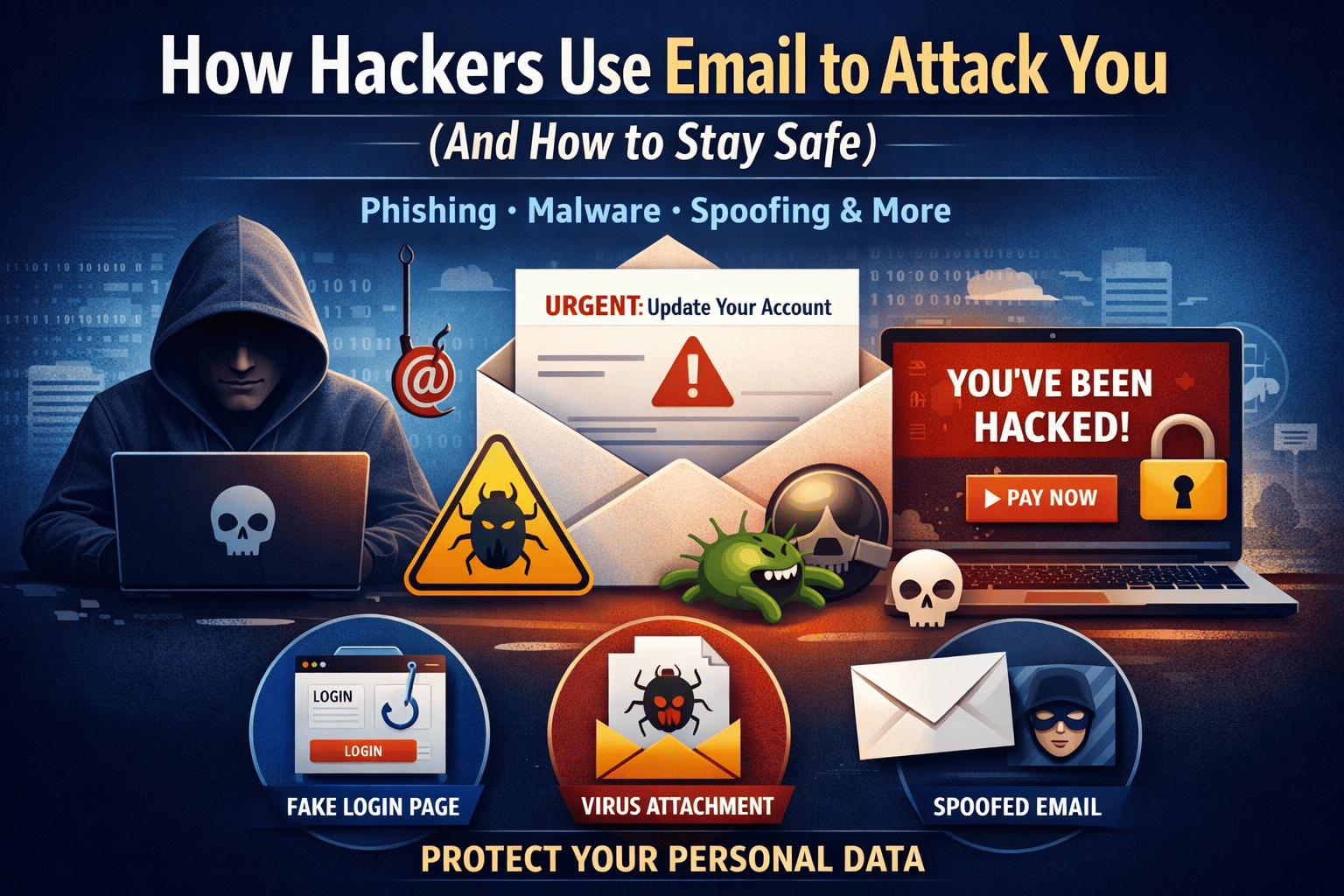
1. Phishing Attacks — Fake Messages That Steal Your Information
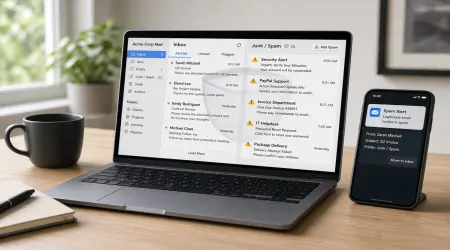
Phishing is the most common type of email attack. In phishing scams, hackers pretend to be legitimate companies or services to trick you into revealing sensitive information.
These emails often look professional and may claim to be from banks, online services, or delivery companies. They typically create urgency or fear to force quick action.
Common phishing messages include:
- “Your account has been locked. Verify immediately.”
- “Suspicious activity detected. Confirm your identity.”
- “Payment failed. Update billing details now.”
Clicking the provided link takes you to a fake website that looks real but secretly collects your login credentials or financial information.
How to Protect Yourself
✔ Never click links in unexpected emails
✔ Check the sender’s address carefully
✔ Visit websites directly instead of using email links
✔ Ignore urgent messages demanding immediate action
2. Malware Attachments — Files That Infect Your Device
Another common tactic is sending email attachments that contain malicious software. These files often appear harmless and may be labeled as invoices, documents, or delivery notices.
Once opened, the file installs malware that can:
- Steal passwords
- Track your activity
- Access personal files
- Control your computer
- Spread to other accounts
Many malware programs run silently, meaning you may not notice anything unusual while your data is being stolen.
How to Protect Yourself
✔ Do not open attachments from unknown senders
✔ Scan files before downloading
✔ Keep antivirus software updated
✔ Disable automatic downloads
3. Email Spoofing — Messages from Fake Identities
Email spoofing occurs when attackers disguise the sender’s address to make the message appear legitimate. The email may look like it came from someone you know or trust.
You might receive emails that appear to be from:
- Your bank
- Your employer
- A colleague or friend
- A company you use regularly
Because the message appears authentic, people often follow instructions without verifying the source.
How to Protect Yourself
✔ Examine email addresses carefully
✔ Verify unusual requests through another method
✔ Watch for spelling errors or unusual formatting
4. Business Email Compromise — High-Value Financial Scams
In business email compromise attacks, hackers impersonate executives, managers, or vendors to request money transfers or sensitive information.
These emails are carefully crafted and often include real company details to appear convincing.
Typical requests include:
- Urgent payment transfers
- Financial records or payroll data
- Confidential business documents
This type of attack causes massive financial losses worldwide every year.
How to Protect Yourself
✔ Confirm financial requests verbally
✔ Implement approval procedures for payments
✔ Treat urgent or secretive requests with caution
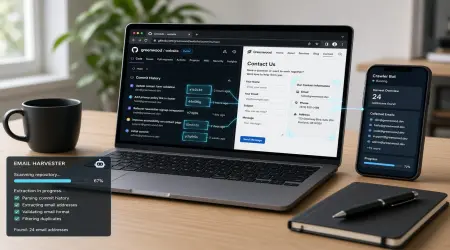
5. Fake Sign-Ups and Data Harvesting
Some hackers use email to direct users to fake websites offering free services, discounts, or rewards. These websites collect personal data when users sign up.
Your information may then be used for:
- Identity theft
- Spam campaigns
- Password guessing
- Selling personal data
How to Protect Yourself
✔ Avoid signing up on unfamiliar websites
✔ Use disposable email addresses for unknown services
6. Ransomware — Locking Your Files for Payment
Certain email links or attachments install ransomware — a type of malware that locks your files and demands payment to restore access.
Victims typically receive a message stating their files have been encrypted and payment is required to unlock them.
Without proper backups, the data may be permanently lost.
How to Protect Yourself
✔ Back up important files regularly
✔ Avoid suspicious downloads
✔ Keep your system and software updated
7. Social Engineering — Psychological Manipulation
Many email attacks rely on human emotions rather than technical vulnerabilities. Hackers manipulate fear, urgency, curiosity, or authority to pressure victims into acting quickly.
Common emotional triggers include:
- Fear of losing access
- Urgent deadlines
- Instructions from authority figures
- Exciting offers or rewards
When emotions take control, logical thinking decreases — which is exactly what attackers want.
How to Protect Yourself
✔ Pause before responding to emotional messages
✔ Verify claims independently
✔ Be cautious of unexpected requests
How Temporary Email Addresses Improve Your Security
Using temporary or disposable email addresses is a powerful way to reduce risk. These addresses are ideal for website registrations, free trials, and unknown services.
If the temporary address receives spam or becomes compromised, you can simply discard it — keeping your primary email secure.
This simple habit significantly reduces exposure to phishing, spam, and data leaks.
Essential Email Security Habits Everyone Should Follow
✔ Use strong and unique passwords
✔ Enable two-factor authentication
✔ Keep software and devices updated
✔ Avoid public Wi-Fi for sensitive logins
✔ Delete suspicious emails immediately
✔ Monitor accounts regularly for unusual activity
Final Thoughts
Email attacks are becoming more sophisticated every year, but most can be prevented with awareness and caution. Hackers rely on trust, urgency, and small mistakes — not just advanced technology.
Always verify unexpected messages, avoid unknown attachments, and protect your primary inbox carefully. A few seconds of attention can prevent serious financial loss or identity theft.
Staying informed is your strongest defense.