Spam Filters Explained: Why Junk Gets Through
SPAM AND INBOX OVERLOAD
Spam Filters Explained: Why Some Junk Slips Through and Good Mail Doesn’t
By SHARIQ · September 15, 2026 · 12 min read
THE SHORT VERSION
|
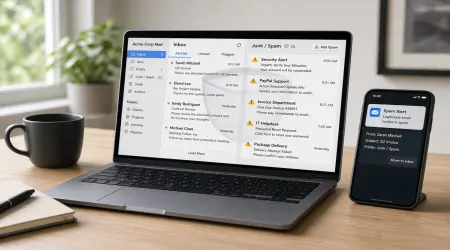
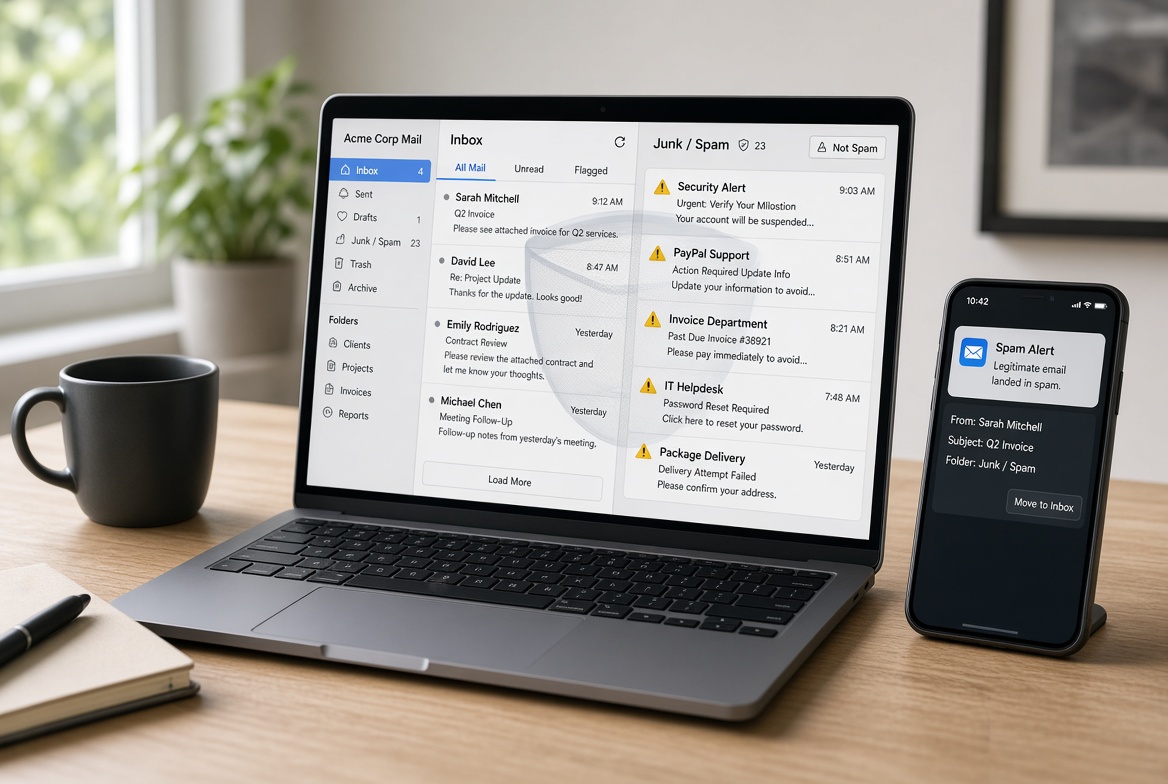
The two complaints sound like opposites. Obvious rubbish sails into the inbox while an invoice you were expecting sits unread in a folder you check twice a year. It feels like incompetence — surely a system good enough to catch one is good enough to avoid the other. It isn’t incompetence. Both failures are produced by the same underlying trade-off, and seeing the machinery makes both of them predictable.
Four layers, four questions
A message arriving at a major provider passes through several independent assessments. Each answers a different question, and each can reject on its own.
| LAYER | QUESTION IT ASKS | WHAT IT LOOKS AT |
|---|---|---|
Reputation | Do we trust this sender? | Sending IP and domain history, volume patterns, complaint rate |
Authentication | Are they who they claim to be? | SPF, DKIM, DMARC and alignment |
Content | Does this look like junk? | Wording, links, images, structure, resemblance to known campaigns |
Engagement | Do people want this? | Opens, replies, deletions without reading, spam reports |
A message that passes three and fails one usually still ends up filtered.
The second layer is the one worth understanding properly, because it’s where both failure modes originate.
The authentication stack, in plain terms
Three mechanisms work together, and they do genuinely different jobs.
SPF is a DNS record listing which servers are allowed to send mail for a domain. The receiving server looks at the IP address that connected to it and checks whether the record permits it.
DKIM is a cryptographic signature. It proves the message came from the domain it claims and hasn’t been altered since it was signed. Unlike SPF, it isn’t tied to which server relayed it, so it survives forwarding rather better.
DMARC ties the two together and adds the piece that makes them meaningful: alignment. It isn’t enough for a message to pass SPF or DKIM for some domain — the domain that passes must match the From: address the recipient actually sees. Without alignment, an attacker could pass authentication on a domain they control while displaying yours.
DNS RECORDS — ILLUSTRATIVE example.com TXT "v=spf1 include:_spf.provider.net -all" ↑ only these servers may send for this domain
_dmarc.example.com TXT "v=DMARC1; p=none; rua=mailto:reports@example.com" ↑ policy for failures, plus where to send reports |
Illustrative records. p=none is monitor mode — it reports failures without asking receivers to act on them.
Since February 2024, Gmail and Yahoo have required bulk senders — those sending 5,000 or more messages a day — to have valid SPF, DKIM and a published DMARC policy, with alignment. A monitor-mode policy of p=none satisfies the baseline. That single change did more to clean up commercial email than a decade of filtering improvements, because it made the sender’s identity checkable rather than merely claimed.
01 Why junk still gets through
Here’s the uncomfortable logic. Every layer above is a measurable signal, which means every layer is something a determined sender can optimise against.
The spam that reaches your inbox is, almost by definition, the spam that scores well. It arrives in low volume, so it triggers no bulk-sending pattern. It’s sent from a domain the sender registered and authenticated properly — nothing stops a criminal publishing valid SPF and DKIM records for a domain they own. It contains no spam-like wording, because it’s three plain sentences. Often it contains no link at all, just a request that you reply.
THE INVERSION Filtering pushed attackers toward messages that are short, personal, properly authenticated and link-free — which is exactly what a legitimate message from a stranger looks like. The most dangerous mail you receive now passes every automated test, because a filter that rejected it would also reject your accountant. |
This is why the volume of ordinary junk matters more than it appears. It isn’t the ordinary junk that will hurt you; it’s that the ordinary junk trains you to dismiss quickly, and the message engineered to pass every filter arrives in that same stream.
02 Why good mail gets blocked
Most false positives have a specific, identifiable cause — and in the majority of cases it’s the sender’s doing rather than your filter’s.
Missing or misaligned authentication
A small business sending from a domain with no SPF record, no DKIM signing, or authentication that passes on a mail provider’s domain rather than their own, looks indistinguishable from someone forging that domain. The filter isn’t guessing wrong; it genuinely cannot tell.
No sending history
A domain registered last week has no reputation. Filters treat unknown as mildly suspicious, because new domains are exactly what large-scale abuse uses. This is why a first message from a new supplier often lands in spam and subsequent ones don’t.
Shared IP addresses
Small senders typically share sending infrastructure. If another customer on that IP behaves badly, the reputation damage is collective, and a perfectly well-behaved sender inherits it.
Forwarding — the one that surprises people
This is the most interesting failure in the whole system, because it’s not anybody’s mistake. SPF was designed for direct server-to-server delivery. When a message is forwarded, the forwarding server’s IP replaces the original sender’s in the connection. The receiving server then checks that IP against the original domain’s SPF record — which never listed it, and never could have.
Mailing lists break the other leg. They add footers, rewrite subject lines, sometimes rewrite the From: header. Any change to the signed content invalidates the DKIM body hash, and rewriting From: destroys DMARC alignment outright.
So a legitimately sent, legitimately authenticated message can arrive having failed both checks, purely because it travelled through a relay.
ARC — THE PARTIAL FIX The Authenticated Received Chain doesn’t repair broken authentication. It preserves a record of it: each intermediary adds headers documenting what the SPF, DKIM and DMARC results were before it touched the message. A receiver that trusts the intermediary can then use that chain to override a failure it would otherwise act on. Google, Microsoft and Yahoo honour ARC from trusted intermediaries, though adoption across all receivers remains incomplete — which is why forwarding still sometimes loses mail. |
03 The trade-off that explains both
Here’s the part that makes the whole thing coherent.
Spam and legitimate mail aren’t two separate piles with a gap between them. They overlap at the edges — a genuine unexpected invoice and a fraudulent one look similar precisely because the fraudulent one was built to. Every filter sets a threshold somewhere in that overlap.
Move the threshold to catch more junk, and you necessarily capture more legitimate mail that resembles it. Move it to protect legitimate mail, and more junk gets through. There is no configuration that improves both, because the failure isn’t an error in the filter — it’s a consequence of the categories genuinely overlapping.
Which is why asking for a better filter is asking the wrong question. The only intervention that improves both numbers at once is reducing how much junk is aimed at the address in the first place, because a smaller overlap region means fewer decisions made near the line.
What you can actually do
Check the spam folder on a schedule. Once a week, filtered by sender rather than read individually. The forwarding problem alone guarantees something legitimate will land there eventually.
Mark false positives as “not spam.” This is engagement-layer feedback and it’s genuinely effective — it teaches your provider about your specific correspondents faster than any rule you could write.
Add important senders to your contacts. Most providers weight known contacts heavily, which is the simplest protection against a new supplier’s first message vanishing.
Don’t rely on filters as the primary defence. The message designed to hurt you is the one that passes. Your attention is the last layer, and it works better when the stream is quiet.
If you’re the one sending
If any of this is your problem from the other side, the checklist is short and unglamorous: publish SPF, sign with DKIM, publish a DMARC record even in monitor mode, and make sure authentication aligns with the domain in your From: address. Warm a new domain gradually rather than starting at volume. Watch your complaint rate — Gmail and Yahoo expect bulk senders to stay below 0.3%, with Gmail advising under 0.1%.
Almost every “our emails go to spam” problem resolves to one of those.
Frequently asked questions
Why do spam filters miss obvious spam?
Because filtering is probabilistic and senders optimise against it. What gets through is what looks least like spam by every measurable signal: low volume, valid authentication on a domain the sender owns, no suspicious wording, often no links. A short plain message asking you to confirm a bank detail passes every automated test — which is why that style has become common.
Why does legitimate email go to spam?
Usually something the sender did or didn’t do: missing SPF or DKIM, authentication that doesn’t align with the visible From address, a new domain with no history, or a shared IP damaged by others. Forwarding is another common cause, because it breaks SPF by design.
What are SPF, DKIM and DMARC?
SPF is a DNS record listing which servers may send for a domain. DKIM is a cryptographic signature proving a message came from the domain it claims and wasn’t altered. DMARC ties them together, tells receivers what to do on failure, and requires alignment — the domain that passes authentication must match the From address you see.
Why does forwarding send email to spam?
SPF was designed for direct server-to-server delivery. When a message is forwarded, the forwarding server’s IP replaces the original sender’s, so the receiving server checks an IP the original domain’s SPF record never authorised. ARC addresses this by having each intermediary record the original authentication results, which a receiver that trusts it can use to override the failure.
Can I make my spam filter more aggressive?
You can, but the trade-off is unavoidable. Anything that catches more junk misfiles more legitimate mail, because the categories overlap at the margin. The only way to improve both is to reduce how much junk arrives — a question of how widely your address has been distributed, not of filter configuration.
The bottom line
Spam filtering is one of the most successful pieces of applied statistics in ordinary life — it removes the overwhelming majority of what’s aimed at you and asks nothing in return. But it operates on a distribution with no clean gap in the middle, and every threshold in that overlap trades one kind of error for the other.
So the junk that reaches you is the junk built to look legitimate, and the legitimate mail you lose is the mail that looked, by some technical measure, like junk. Neither is a bug. Both get better the same way: not by tuning the filter, but by giving fewer senders a line to an address you actually read.