Email Harvesting Bots: Where Scrapers Find Your Address
SPAM AND INBOX OVERLOAD
Email Harvesting Bots: How Scrapers Find Your Address on Public Pages
By SHARIQ · September 15, 2026 · 11 min read
THE SHORT VERSION
|
If your address has ever appeared in public, a machine has read it. Not maliciously targeted at you — just swept up alongside several million others by software whose entire job is recognising the shape of an email address in a wall of text. Understanding what that software actually does, and where it looks, is more useful than any single trick for hiding from it.
01 What a harvester actually does
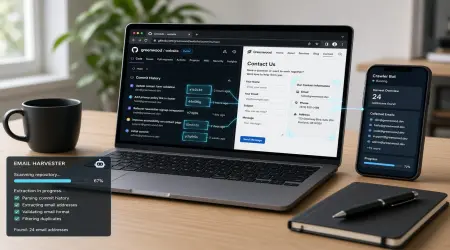
The mechanics are unglamorous. A crawler fetches pages, scans the text for anything matching the pattern of an address — something, an @, something with a dot in it — and follows links to find more pages to do the same to.
The more capable ones add a shortcut that makes an enormous difference to efficiency: rather than wandering the web hoping to stumble across addresses, they use search queries to find pages likely to contain them, then crawl those. A search engine has already done the indexing; the harvester just reads the results.
Better ones also capture context. An address pulled from a page alongside a name and an organisation is worth considerably more than a bare string, because it can be sold as a targeted record rather than an anonymous one.
02 Where they look — including the places you forgot
Contact pages and forum posts are obvious. These are the ones that catch people out.
Every Git commit you’ve ever pushed
This is the big one, and it’s invisible to most of the people it affects.
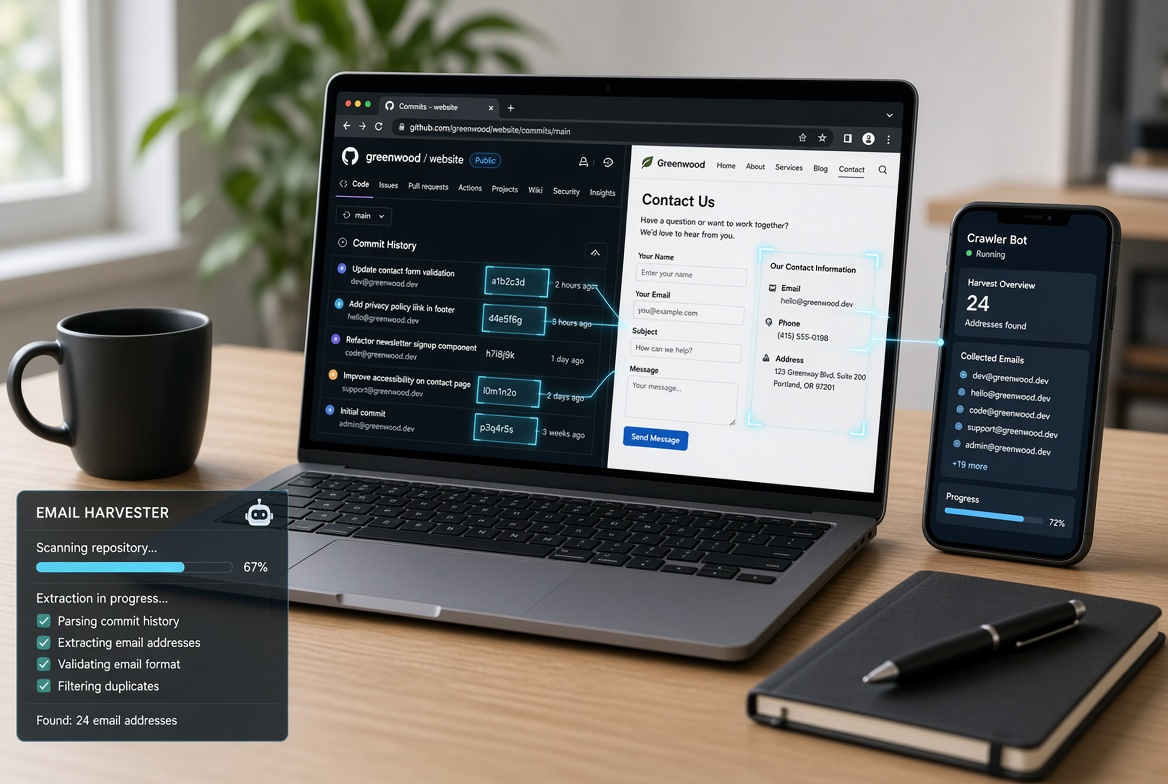
Git records the author’s email address in every single commit. On a public repository, that’s public — permanently, in the history, thousands of times over for an active contributor. Plenty of developers have published their personal address more often than anyone else on the internet without ever having typed it on a web page.
GitHub offers three defences, and they’re worth knowing: a no-reply address you can commit with instead, a “Keep my email addresses private” setting, and an option to block command-line pushes that would expose your personal address. The first two only help going forward — history already pushed stays as it is.
Documents and their metadata
A PDF, spreadsheet or Word file uploaded to a website is a text document a crawler can read. Worse, office files routinely embed an author name and sometimes an address in their metadata, so an address can be harvested from a document that never displays it.
Mailing list archives
Public archives of technical mailing lists are among the richest harvesting grounds on the web: thousands of real, active, verified addresses, neatly threaded, often with full names and employers attached.
WHOIS — historically
Domain registration records were once a reliable source of real contact addresses. Registrant details for most domains have been redacted since the GDPR era, which closed a significant channel — a rare case of a harvesting route genuinely narrowing rather than widening.
03 Does obfuscation actually work?
Conventional advice says no — that writing name [at] example [dot] com is security theatre, because normalising it takes one line of code.
The theory is correct. The measured reality is more interesting.
One long-running honeypot experiment tested fifteen plain-text protection methods and ten techniques for clickable links, giving each technique its own unique address. That design is what makes the data meaningful: if spam arrives at a given address, that specific technique was broken, and you know which harvester broke it. The author ran a dedicated mail server with upstream filtering disabled and grouped messages by spammer to avoid one prolific sender distorting the results.
| TECHNIQUE | BLOCKED | NOTES |
|---|---|---|
JavaScript assembly, SVG, CSS hiding, user interaction | 100% | Strongest measured; several break accessibility or copy-paste |
HTML comments inside the address | 99% | Invisible to readers, survives copy-paste |
Symbol substitution ([at], [dot]) | 97% | Far better than its reputation; inconvenient for readers |
HTML entity encoding | 95% | Theoretically trivial to defeat, mostly isn’t in practice |
Plain-text results, measured against 742 distinct spammers. Link-based techniques showed a similar pattern across 698. The experimenter notes sample sizes remain small and the figures carry real uncertainty.
READ THIS RESULT CAREFULLY These numbers measure how lazy harvesters currently are, not how hard the techniques are to beat. Every method here falls instantly to a scraper that renders the page the way a browser does — and that capability is freely available. What the data shows is that most harvesting is done by simple pattern-matchers that don’t bother. That’s a real effect worth exploiting, and it’s also a protection that could evaporate without notice. |
04 The cost nobody mentions
The techniques that score best are frequently the worst for the humans you were trying to reach.
An address assembled by JavaScript is invisible to anyone with scripting disabled, and can behave unpredictably with a screen reader. An address rendered as an image can’t be copied, can’t be read aloud, and can’t be enlarged cleanly. Requiring a click to reveal adds friction for every legitimate visitor to deter a machine that costs its operator nothing.
And symbol substitution — name [at] example [dot] com — asks every single person who wants to contact you to perform a small clerical task, and quietly loses you the ones who mistype it.
THE OPTION THAT SIDESTEPS ALL OF IT A contact form publishes no address whatsoever. There is nothing on the page to harvest, no accessibility trade-off, and no transcription for the visitor to get wrong. It costs you a form and some spam-filtering on submissions. For most sites this is simply the correct answer, and the entire obfuscation debate is an attempt to avoid building one. |
05 The more durable answer
Every technique above is a delaying action. Obfuscation raises the cost of finding an address; nothing makes a published address unfindable, and a determined adversary renders the page and reads it like anyone else.
So the question worth asking isn’t how to publish an address that can’t be harvested. It’s what happens when the address is harvested — because eventually one will be.
If the answer is “my permanent address joins another list forever,” the harvesting is expensive. If the answer is “I replace that address,” it’s an inconvenience. A contact address you can retire — an alias for a role, a disposable inbox for a one-off listing — converts a permanent problem into a maintenance task.
That’s the same logic that runs through every other defence in this area, and it holds here for the same reason: you can’t control who collects your address, only what it costs you when they do.
What to do, in order
Check your Git history. If you contribute to public repositories, look at what address is in your commits and switch to a no-reply address going forward.
Use a contact form wherever a form is acceptable. It’s the only protection with no failure mode.
If an address must be visible, HTML comments or JavaScript assembly score best — but weigh accessibility before choosing something that breaks for screen readers.
Publish an address you can abandon. A role alias or a disposable inbox for a listing means being harvested costs you a replacement, not a permanent stream.
Don’t over-invest. Obfuscation is a five-minute decision, not a project. The durable protection is the address choice, not the encoding.
Frequently asked questions
Does writing my email as name [at] domain [dot] com stop harvesters?
It helps more than most people expect, but less than stronger methods. In a honeypot experiment where each technique protected a unique address, symbol substitution blocked around 97% of harvesters while JavaScript assembly, SVG and click-to-reveal blocked 100%. The protection reflects harvester laziness rather than real difficulty.
Is my email address visible in Git commits?
Yes. Git records the author’s address in every commit, and on a public repository that’s publicly visible. GitHub offers a no-reply address, a “keep my email addresses private” setting, and an option to block command-line pushes that would expose it. Many developers publish their personal address thousands of times without realising.
How do email harvesting bots actually work?
They crawl pages and scan text for anything shaped like an address, following links as they go. More sophisticated ones use search queries to find pages likely to contain addresses before crawling, which is far more efficient. Some capture surrounding context, so a harvested address arrives with a name and employer attached.
What’s the best way to publish a contact address on a website?
A contact form publishes no address at all, which makes it the only approach that can’t be harvested. If an address must be visible, the strongest measured techniques assemble it with JavaScript or require a click — but the more robust the protection, the worse it tends to be for accessibility.
Should I bother obfuscating at all?
It’s worth doing if the address is one you intend to keep. But obfuscation only delays discovery, and a targeted adversary defeats any of it by rendering the page. The durable protection is publishing an address you can abandon.
The bottom line
Harvesting is the least sophisticated threat in email and one of the most persistent. The bots aren’t clever; they’re tireless, and they’re reading places you’ve forgotten you published — the archive thread from 2015, the PDF someone uploaded, the ten thousand commits with your address in the author field.
Obfuscation genuinely helps, which is a pleasant surprise, and it helps only because the machines currently reading your pages are simpler than the ones that could. Take the free protection. Just don’t mistake it for a solution to a problem whose real answer is an address you’d be willing to lose.