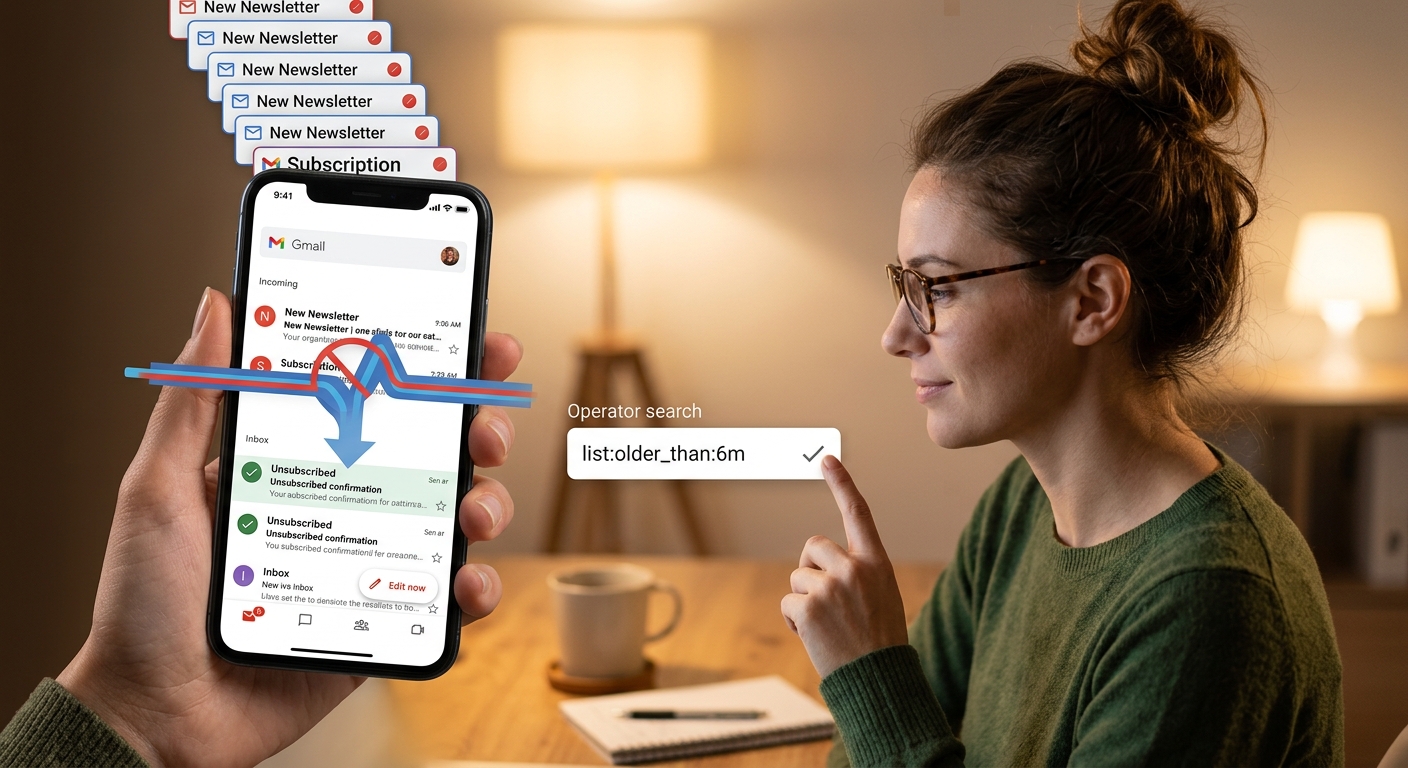
How to Clean Up an Inbox Drowning in Newsletters
SPAM AND INBOX OVERLOAD
How to Clean Up an Inbox That’s Already Drowning in Newsletters
By SHARIQ · September 15, 2026 · 11 min read
THE SHORT VERSION
|
Almost everyone attacks this in the wrong order. They set aside an afternoon, start deleting from the top, get a few thousand messages down, feel briefly triumphant — and find the same situation six weeks later. The effort wasn’t wasted because it was small. It was wasted because clearing a backlog does nothing about the rate at which a new one arrives.
So the sequence below puts the inflow first. It takes about an hour, and unlike a deletion spree it doesn’t need repeating.
01 Find the senders, not the messages
The instinct is to search for the word “unsubscribe” — but that catches any message mentioning it, including ordinary correspondence, and misses bulk mail that words it differently.
There’s a much sharper tool, and it’s built into Gmail: the list: operator, which finds mail sent through a mailing list. It works because bulk senders attach list headers to their messages — the same header family that produces the one-click unsubscribe button. Personal mail from a human being doesn’t carry them.
SEARCHES TO RUN, IN ORDER list: → everything sent via a mailing list list: older_than:6m → bulk mail you haven’t needed in months list: is:unread → senders you never even open from:name older_than:1y → one specific offender, historically larger:10M older_than:1y → the storage hogs has:attachment older_than:2y → review before deleting these |
Gmail search operators, verified against Google’s documentation. Combine them freely; prefix any term with a minus sign to exclude it.
The second search is the revealing one. Bulk mail you haven’t opened in six months is, by demonstration rather than guesswork, mail you don’t want. That’s your unsubscribe list, and you didn’t have to make a single judgement call to build it.
02 Unsubscribe in one pass
Now work through those senders and leave. This is the step that makes the cleanup permanent, and it’s worth being slightly systematic.
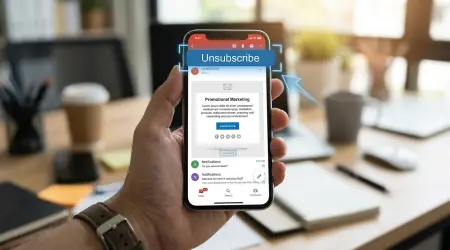
Use the unsubscribe control your mail provider shows at the top of the message, next to the sender’s name, whenever it appears. It works through the message headers rather than by loading the sender’s page, and the standard behind it requires the request to carry no cookies or anything else that links the action to your browsing. Bulk senders are also now obliged by Gmail and Yahoo to act on it within two days.
Where that control isn’t offered, use the footer link — but only for companies you actually recognise. For a sender you’ve never heard of, mark it as spam instead and click nothing.
PACE YOURSELF DELIBERATELY Twenty or thirty unsubscribes in a sitting is plenty. The two-day processing window means the results arrive gradually anyway, and stopping while it still feels easy is what prevents this becoming a chore you abandon halfway. |
03 Now clear the backlog
With the inflow reduced, deletion finally accomplishes something durable.
Run list: older_than:6m, select everything, and delete. In Gmail, ticking the box at the top selects the visible page only — a small banner then offers to select all matching conversations, which is the one you want. Note that this action is not undoable, so read the search terms in the box once more before confirming.
Then one important distinction, and it’s the only genuinely risky moment in this process:
ARCHIVE, DON’T DELETE Order confirmations, receipts, warranty registrations, contracts, and anything from an employer, landlord, insurer or government body. These are the messages that turn out to matter when something goes wrong, and by then they’re unrecoverable. The test isn’t age — it’s whether the message would help you in a dispute. Marketing mail almost never would; a receipt from four years ago might. |
Archiving in Gmail removes a message from the inbox while keeping it searchable, which is the right default for anything you’re unsure about. Storage is shared across Gmail, Drive and Photos on a Google account, so if space is the pressure, larger:10M older_than:1y frees far more per click than deleting newsletters ever will.
04 Automate what’s left
Some bulk mail is worth keeping but not worth seeing on arrival — order updates, service notices, the two newsletters you actually read.
Create filters that label these and skip the inbox. In Gmail you can build a filter directly from any search, which means the searches you’ve just run are already filter definitions. A rule matching list: from a specific sender, applying a label and skipping the inbox, converts an interruption into something you read when you choose to.
The point isn’t tidiness. It’s that a message which never lands in the inbox never costs you an interruption — and interruption, not storage, is what makes a full inbox expensive.
05 Change what you hand out
This is the step that decides whether you’re doing this again next year.
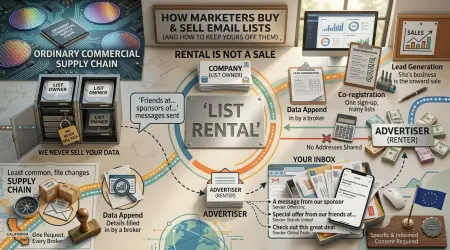
The backlog you just cleared was produced by a single habit: giving one permanent address to every form that asked. Every one of those became a sender, a list entry, and in some cases a resale.
The replacement is boring and effective. Your real address for correspondence that genuinely matters — bank, employer, government, medical. An alias per service for accounts you intend to keep, so any one of them can be switched off without touching the others. A disposable inbox for one-time codes, gated downloads and sign-ups you’ll never revisit.
It costs a few seconds per sign-up and it is the only part of this process with compounding returns.
A word about cleanup apps
Plenty of services offer to do all of this for you, and the good ones genuinely save time. But the category deserves one specific caution, because the most instructive example is a matter of public record.
Unrollme, a popular unsubscribe tool, settled with the US Federal Trade Commission in a case approved in December 2019. The FTC’s allegation was that the company told users it would not touch their personal emails, while in fact extracting e-receipts — transaction confirmations containing names, addresses and purchase details — and passing them to its parent company, Slice Technologies, which used them in market research analytics products. The settlement required the company to stop misrepresenting its practices, delete stored e-receipts absent consumer consent, and notify affected users.
THE GENERAL LESSON Any tool that cleans your inbox must be able to read your inbox — that’s not a flaw, it’s the requirement. So the question to ask isn’t whether it has access, but how the company makes money. A paid tool has an obvious answer. A free one processing millions of mailboxes has to have one too, and it’s worth finding out what it is before granting access. None of this makes the category untrustworthy; it makes the business model the thing to check. |
The operators, for reference
| OPERATOR | FINDS |
|---|---|
list: | Mail sent through a mailing list — the newsletter finder |
from: / to: | A specific sender or recipient |
subject: | A word or phrase in the subject line |
older_than: / newer_than: | Age, in days, months or years (6m, 1y) |
larger: | Messages above a size (10M) — best for storage |
has:attachment | Anything carrying a file |
is:unread | Never opened — the strongest signal you don’t want it |
category: | Gmail’s own inbox categories |
Combine with AND / OR, and exclude anything with a leading minus sign. These are Gmail’s; other clients offer similar but differently-named searches.
Frequently asked questions
What’s the fastest way to clean up a full inbox?
Stop the inflow before clearing the backlog. Search for bulk mail using list:, unsubscribe from everything you no longer want in one pass, and only then delete. Doing it the other way round means the inbox refills while you work, which is why most cleanups fail within a month.
How do I find all newsletters in Gmail?
Search list: — the operator that finds mail sent through a mailing list. It works because bulk senders attach list headers, so it matches genuine bulk mail and ignores personal correspondence. Far more precise than searching for “unsubscribe.”
Are inbox cleaning apps safe to use?
Treat them with care, because the business model is the risk. In a case settled with the FTC in December 2019, Unrollme was found to have told users it wouldn’t touch their personal emails while extracting e-receipts and passing them to its parent company for market research analytics. Any tool with full mailbox access can read everything in it — check how it makes money first.
Should I delete old emails or archive them?
Archive anything that could be evidence — receipts, order confirmations, contracts, correspondence with employers or landlords. Delete bulk marketing freely. The test isn’t age but whether the message would help you in a dispute.
How do I stop my inbox filling up again?
Change what you hand out rather than how you file. A cleanup fixes the backlog; the inflow depends on how many senders hold an address you actually read. A permanent address only where it matters, aliases for services you keep, disposable inboxes for one-time sign-ups.
The bottom line
An overflowing inbox looks like a filing problem, which is why people attack it with filing. It’s actually an intake problem wearing a filing problem’s clothes — and that’s why deleting fifteen thousand messages feels so good and changes so little.
Reverse the order and the whole thing gets easier. Unsubscribe first, delete second, automate the remainder, and then stop handing a permanent address to every form that asks for one. The last step is the only one you’ll never have to repeat.