Best Ways to Protect Your Online Privacy in 2026
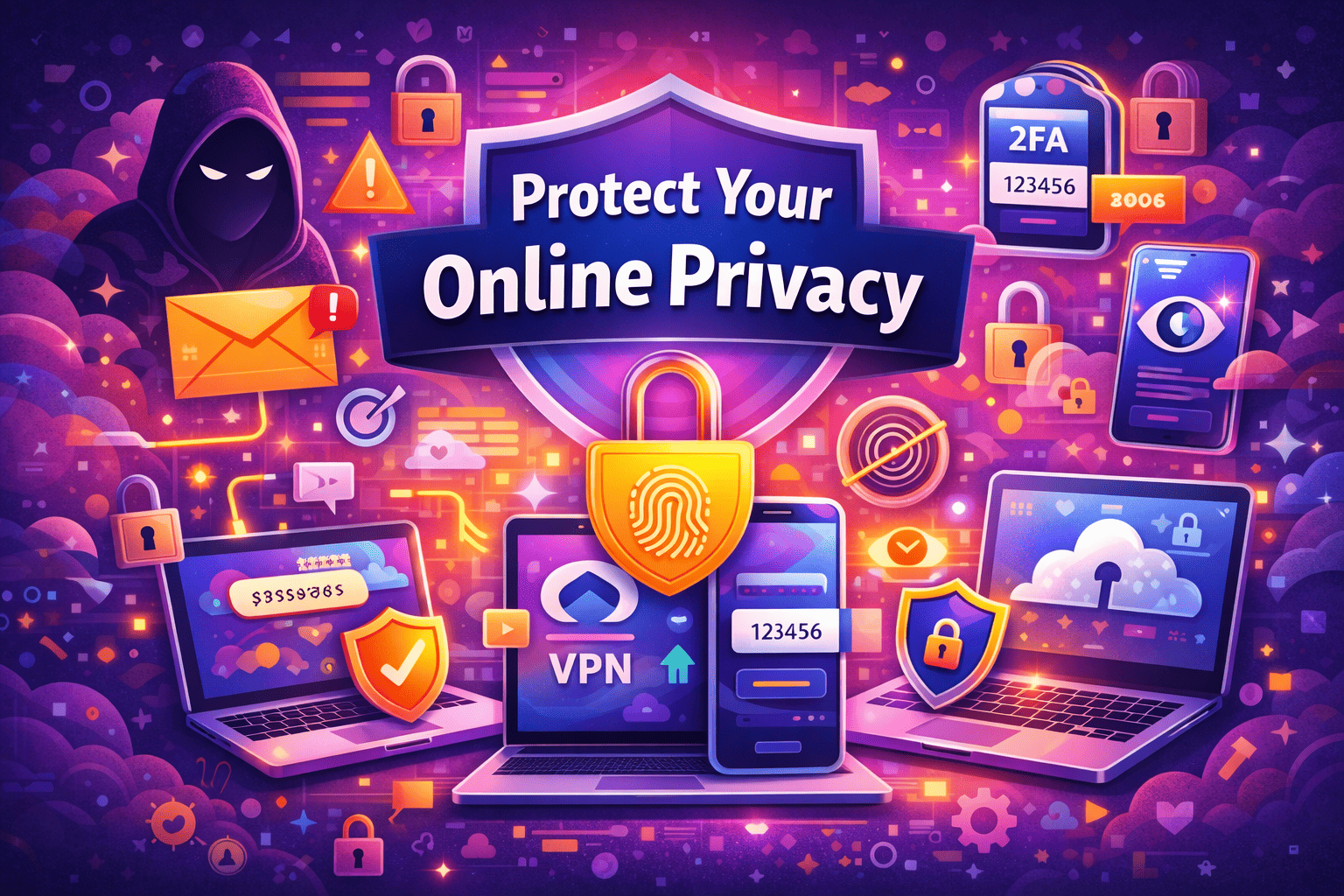
Online privacy is no longer just a concern for tech experts — it’s something every internet user needs to think about. From social media accounts to online shopping and banking, we share personal data everywhere. Without proper protection, this information can be tracked, stolen, or misused.
The good news is that protecting your online privacy is easier than ever — if you know what to do. Here are the most effective ways to stay safe and secure online in 2026.
Why Online Privacy Matters More Than Ever
Every website you visit and every app you use collects data. This information can include:
- Your location
- Browsing habits
- Personal details
- Payment information
- Device data
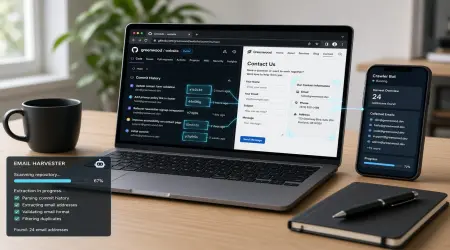
Companies use this data for marketing, but cybercriminals can use it for fraud, identity theft, and phishing attacks.
Protecting your privacy means protecting your identity.
1. Use a Reliable VPN
A Virtual Private Network (VPN) hides your IP address and encrypts your internet connection. This makes your online activity private and secure — even on public Wi-Fi.
Popular VPN providers include:
- NordVPN
- ExpressVPN
A VPN is one of the easiest and most powerful tools for protecting your online identity.
2. Use Strong and Unique Passwords
Weak passwords are one of the biggest security risks. If one account gets hacked, others can quickly follow if you reuse the same password.
Best practices:
✔ Use long and complex passwords
✔ Never reuse passwords
✔ Change passwords regularly
Managing multiple strong passwords can be difficult — that’s why password managers are helpful.
Trusted password managers include:
- Bitwarden
- LastPass
These tools securely store and generate strong passwords for you.
3. Enable Two-Factor Authentication (2FA)
Two-factor authentication adds an extra layer of security. Even if someone steals your password, they cannot access your account without the second verification step.
This usually involves:
- SMS code
- Authentication app
- Biometric verification
Always enable 2FA for email, banking, and social media accounts.
4. Be Careful What You Share Online
Oversharing personal information can make you an easy target for identity theft or scams.
Avoid posting:
❌ Home address
❌ Phone number
❌ Travel plans
❌ Financial details
Review your privacy settings regularly on social media platforms.
5. Keep Software and Devices Updated
Software updates are not just about new features — they fix security vulnerabilities.
Always update:
- Operating systems
- Browsers
- Apps
- Security software
For example, browsers like Google Chrome frequently release updates to patch security risks.
6. Use Secure Cloud Storage
If you store important files online, make sure your cloud provider offers encryption and strong security measures.
Trusted platforms like Apple iCloud provide encrypted storage and secure backups to protect your data.
7. Avoid Suspicious Links and Emails
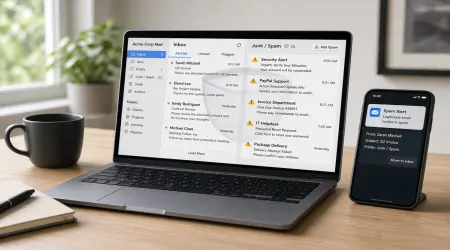
Phishing attacks are becoming more sophisticated. Cybercriminals often send emails that look official but are designed to steal your information.
Never click on links or download attachments from unknown sources.
Always verify before you trust.
The Future of Online Privacy
Technology is evolving rapidly — and so are cyber threats. Artificial intelligence, data tracking, and digital profiling are becoming more advanced. That means privacy protection must also evolve.
Users who take proactive steps today will stay safer tomorrow.
Final Thoughts
Online privacy is not a luxury — it’s a necessity. By using tools like VPNs, password managers, and two-factor authentication, you can dramatically reduce your risk of cyber threats.
Simple habits can make a big difference.
Stay aware. Stay secure. Stay private.